

Creators Toolkit (Freemium)
ARK: Survival AscendedModReleased
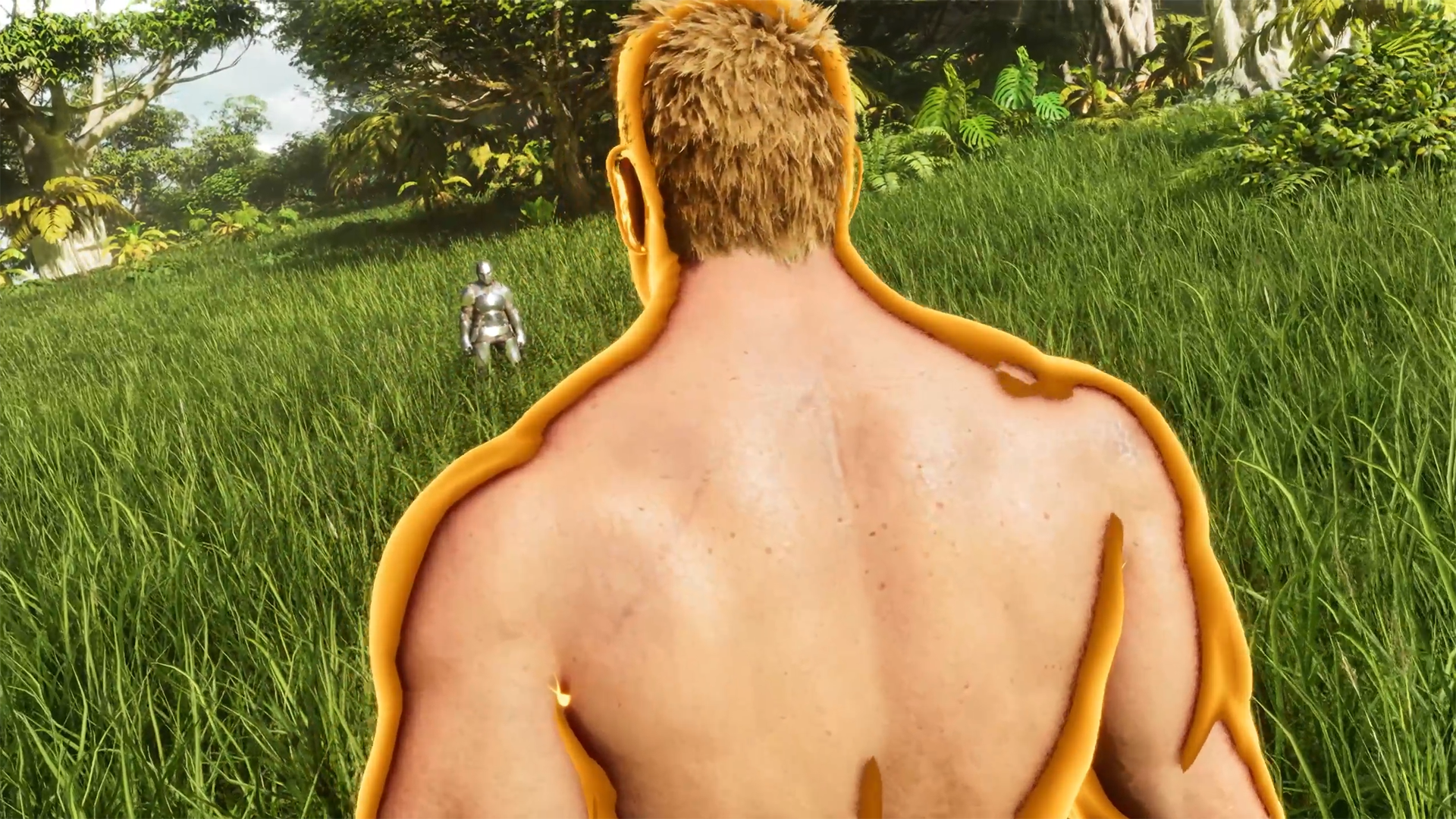
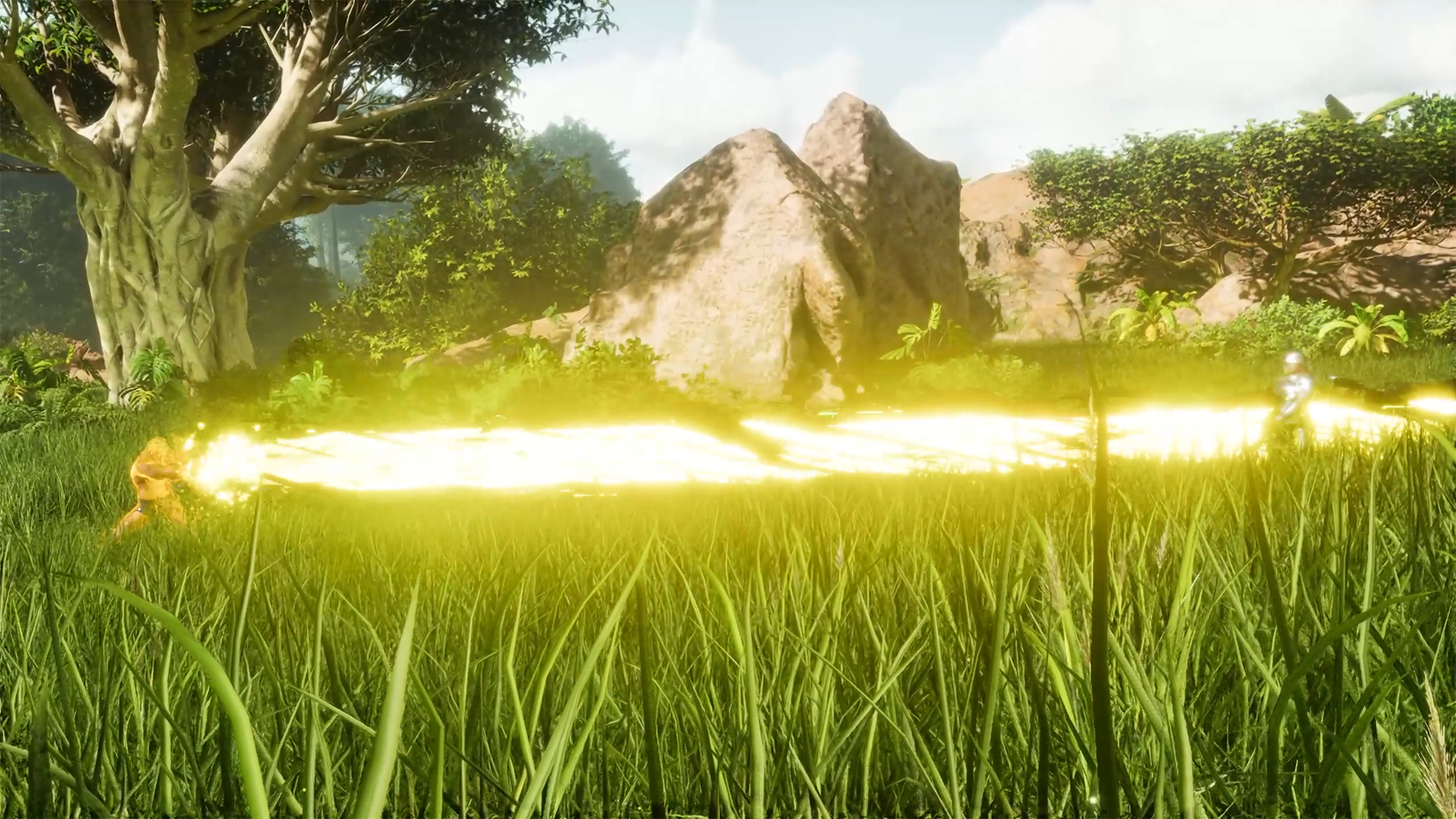
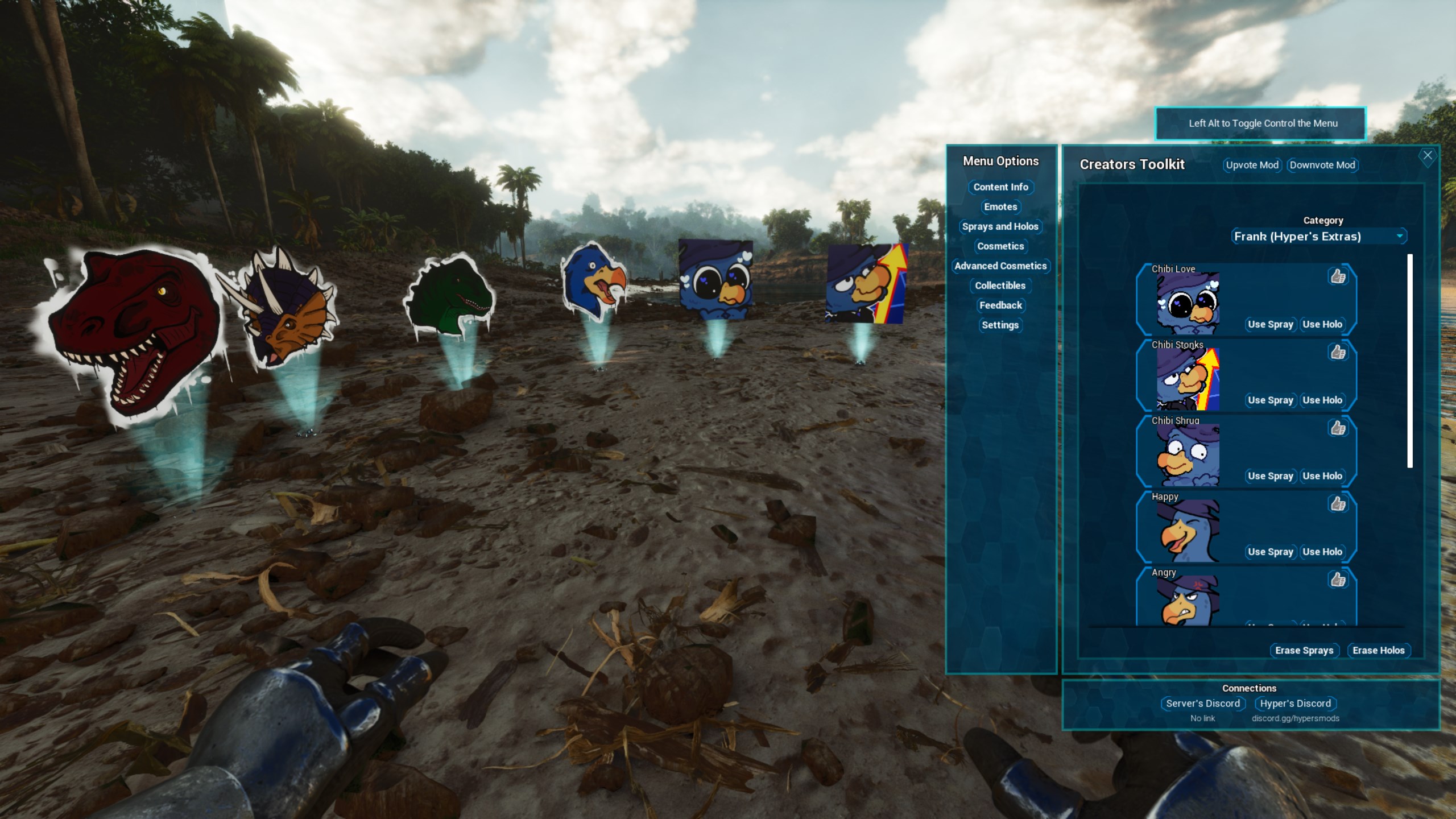
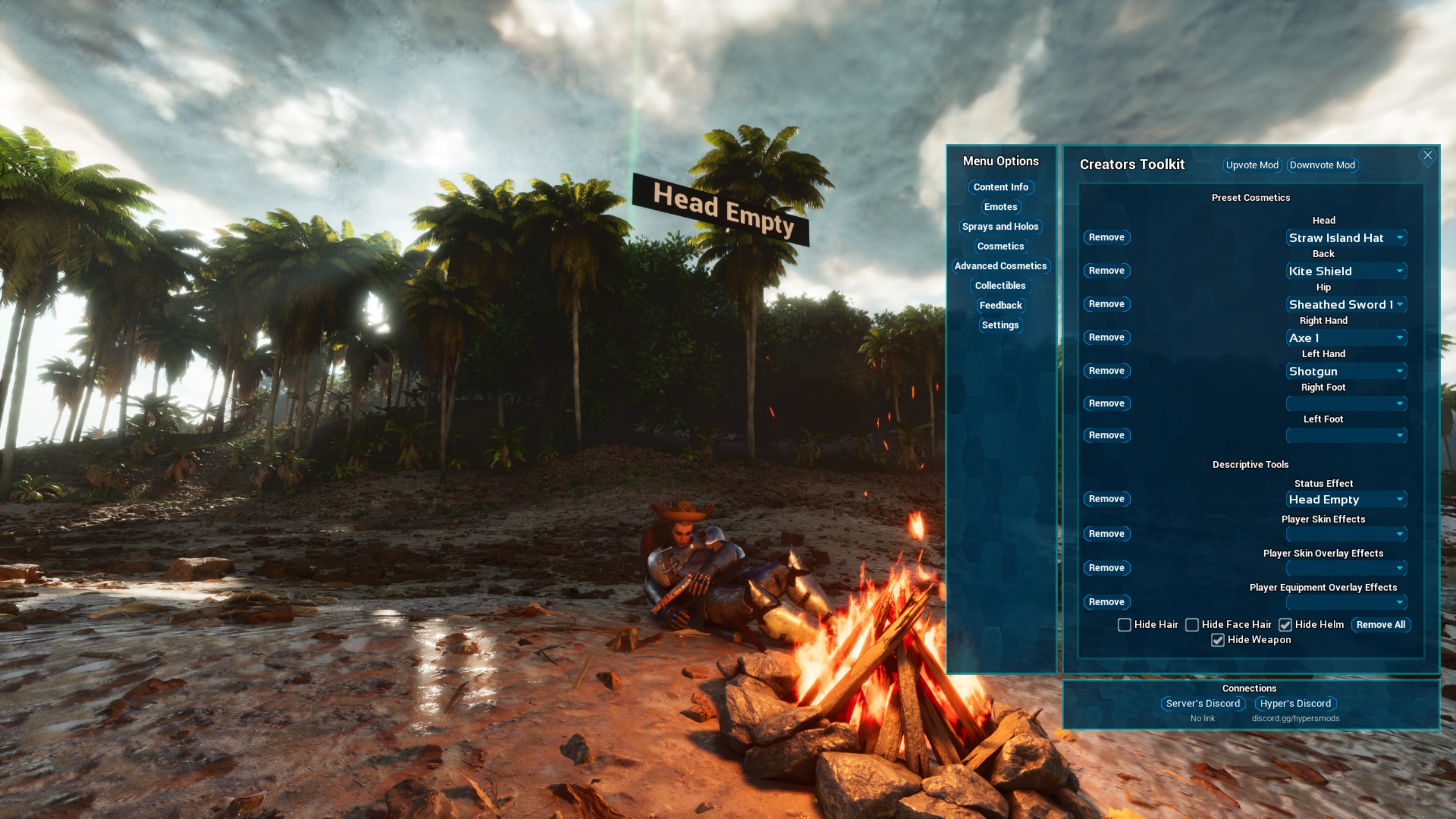
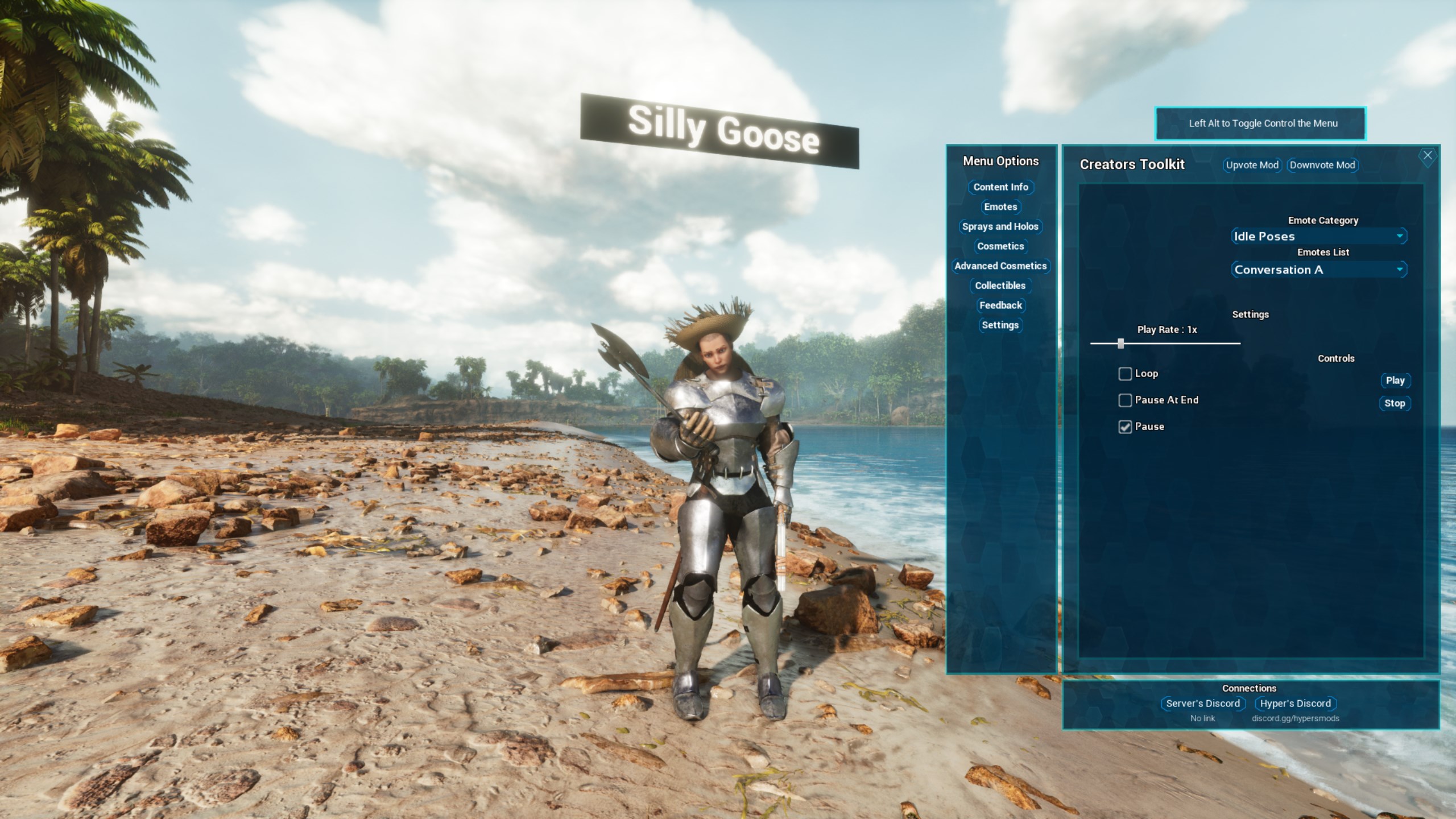
More than 100 emotes, holograms, sprays and a custom cosmetics system, plus a custom pause menu and a HUD watermark. Each feature can be turned off in the INI. It is a freemium mod.
My roleCreator
Made withNeddy (animations)
Built withARK DevKitBlueprintsUnreal Engine 5
TagsMod

Screenshots




Recent updates
Changelogv21Jan 3, 2025PC, PC server, Xbox, PS5
Rebuilt for Unreal Engine 5.8.
v20Dec 10, 2024PC, PC server, Xbox, PS5
Freemium!
v19Sep 30, 2024PC, PC server, Xbox, PS5
- Added 10 New Emotes
- Fixed UI Bugs
- Added Single Player Options
- Default Watermark is Now Blank
About this project
Emotes, holograms, sprays and other ways for players, server owners and content creators to interact on a server. The mod uses CurseForge's freemium model.
- More than 100 emotes.
- Custom holograms, and sprays that stick to almost any surface.
- A custom cosmetics system.
- Status effect notifiers for roleplay or server role systems.
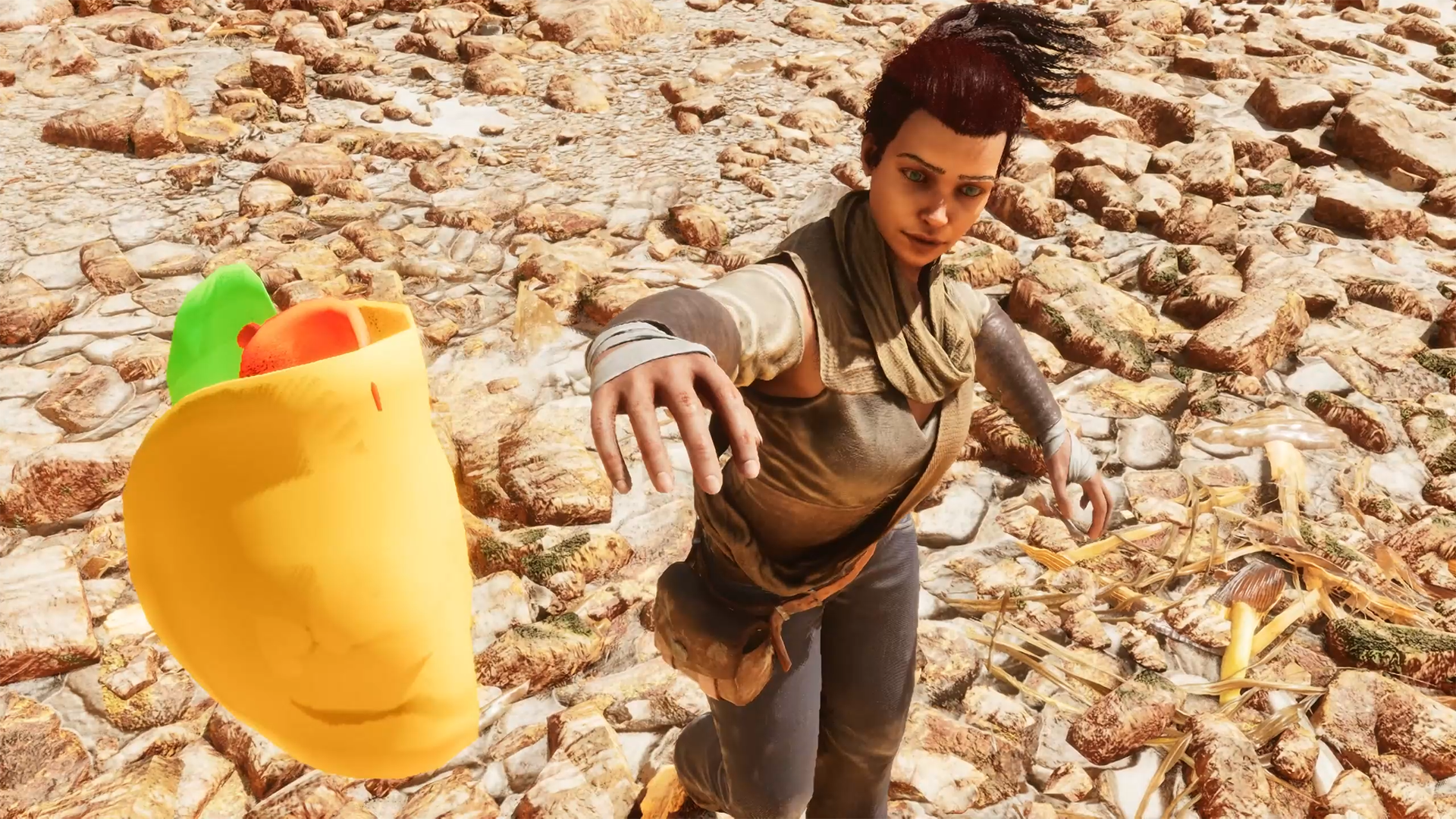
- Props you can throw, such as tacos.
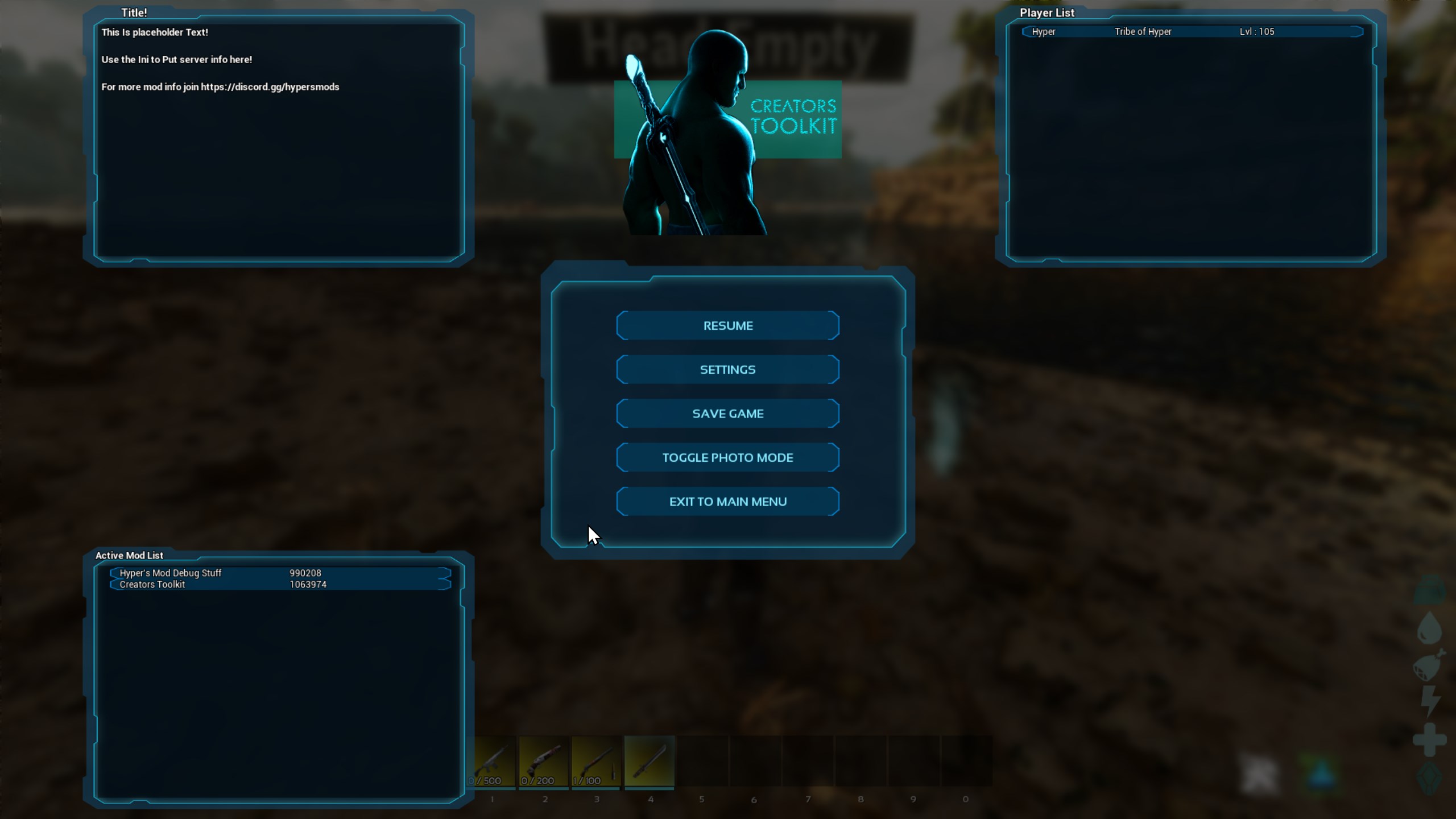
- A custom pause menu with the active mods, server info, the player list, a background blur and a logo.
- A HUD watermark logo.
- Dino card collectibles.
- Private messages.
- Dice rolls.
Each feature can be turned off in the INI, and the pause screen and watermark logos are set there too.
Getting started
Every player gets the mod buff on spawn, shown by a watermark in the bottom left corner unless it is turned off. To open the main menu, hold the radial menu button (R on PC, the left face button on console), hover over the multi-use option and let go. The menu opens on Content Info, which explains the other menus. While the menu is open, Left Alt on PC or the right shoulder button on console lets you move freely.
The pause menu shows the player list, mod list and server info panel when the server's INI allows them.
INI settings
The settings go under [CreatorsToolkit]. Put URLs in quotation marks.
StringHUDWatermarkURL="URL"andStringHUDPauseLogoURL="URL"set the watermark and pause menu logos.BoolUseHUDWatermark=True/Falseturns the watermark on or off.StringHUDPauseMOTDTitle="String"andStringHUDPauseMOTD="String"set the title and text of the top left section of the pause menu.BoolShowPlayerList,BoolShowModList,BoolShowMOTDandBoolPauseBlur(True/False) turn those parts of the pause menu on or off.FloatSprayDecayTimeInSeconds=Numbersets how long a spray lasts, in seconds.IntAmountOfSpraysPerArea=Whole NumberandFloatRadiusToLimitSprayAmountInFoundations=Numberlimit the sprays in an area (1 is one foundation).BoolAllowClientMenuOverride=True/Falselets client settings override the INI, for example to hide the logos and the player list.UIServerLinkButtonTitle="String"andServerLinkButtonURL="URL"set the text and link of the button in the Connections menu. Console players see the URL under the button.